
Managing Kubernetes costs can be overwhelming, but AI tools are now simplifying this process. Here's how they help:
- Cut costs by up to 70%: AI tools dynamically adjust resources, reducing waste in compute, storage, and idle resources.
- Automate tedious tasks: Rightsizing, autoscaling, and workload placement are optimised automatically, saving time.
- Gain real-time visibility: Tools like Kubecost and OpenCost provide detailed cost breakdowns across clusters, namespaces, and pods.
- Support multi-cloud setups: They integrate with AWS, Azure, and GCP billing APIs, consolidating costs into a single view.
For UK organisations, these tools not only save money but also improve efficiency by shifting focus from manual interventions to automated optimisation. Whether it's using spot instances, bin packing, or persistent volume autoscaling, AI-driven solutions are transforming Kubernetes cost management.
Quick Tip: Start with tools like CAST AI for automation or Kubecost for detailed cost insights, and ensure your infrastructure is tagged and monitored for seamless integration.
AIOps For Kubernetes (Cost, Performance, and Resource Optimization)
Kubernetes Cost Management Fundamentals
Understanding where your money goes in Kubernetes environments is crucial for managing costs effectively. The main expenses typically stem from compute resources (like CPU and memory), storage, data transfer fees, and idle or underused resources. In multi-cluster setups, these costs multiply across clusters, cloud providers, and regions, which makes tracking and managing them much more challenging.
Many organisations tend to over-allocate resources to handle peak traffic, often resulting in overprovisioning. This is one of the key reasons cloud bills can spiral out of control.
Another common issue is inefficient workload placement, which scatters resources across underused nodes, leaving capacity wasted. By understanding these cost drivers, teams can pinpoint where the biggest savings lie before diving into optimisation strategies. This knowledge forms the foundation for streamlining resource usage with targeted techniques.
Core Kubernetes Cost Management Techniques
Several techniques can help reduce resource waste and manage costs effectively:
Autoscaling: Kubernetes can automatically adjust resources based on real-time demand, ensuring you only pay for what you need. This prevents overprovisioning and keeps costs lower during periods of low usage. Kubernetes supports both horizontal pod autoscaling (HPA), which adjusts the number of pod replicas, and vertical pod autoscaling (VPA), which modifies CPU and memory requests. However, autoscaling isn't perfect - it may struggle with sudden traffic spikes and requires careful tuning to avoid constant scaling up and down.
Pod Rightsizing: This involves aligning CPU and memory allocations with real-time usage instead of relying on initial estimates or conservative defaults. Even small savings per pod can add up when scaled across thousands of containers. This method can cut costs by 20–40% without affecting performance, while also reducing the manual effort involved in optimisation.
Bin Packing: By intelligently scheduling pods to maximise resource use on each node, bin packing consolidates workloads onto fewer nodes. This reduces the total number of nodes needed by 20–40%, lowering infrastructure costs. However, overpacking nodes can create performance risks, so a balance is essential.
Spot Instances: These are spare capacity from cloud providers that come at a much lower cost - up to 70–90% cheaper than on-demand instances. Kubernetes can integrate spot instances with automated management, temporarily shifting workloads to on-demand instances when spot capacity runs out. While this approach offers significant savings, it requires robust workload migration to maintain reliability.
Workload Consolidation with Virtual Clusters: Virtual clusters allow multiple isolated Kubernetes clusters to run on a single physical cluster, reducing infrastructure overhead. By sharing compute resources, organisations can cut costs by up to 70%. Virtual clusters also support features like automatic sleep mode, which shifts idle resources to low-cost states during off-peak hours.
Persistent Volume (PV) Autoscaling: Storage costs often go unnoticed, yet overprovisioning storage can lead to paying for unused capacity. PV autoscaling dynamically adjusts storage volumes based on real-time usage, significantly reducing storage costs while ensuring applications remain operational.
Commitment Managers: These tools automate the purchase of cloud provider commitments, such as AWS Reserved Instances or Savings Plans, to maximise savings. Using AI to analyse workload patterns, they recommend and purchase flexible commitments, avoiding vendor lock-in while optimising costs.
| Technique | Primary Benefit | Typical Savings |
|---|---|---|
| Pod Rightsizing | Matches resources to actual usage | 20–40% |
| Bin Packing | Consolidates workloads onto fewer nodes | 20–40% |
| Spot Instance Automation | Leverages cheaper compute options | 70–90% |
| Autoscaling | Adjusts capacity based on demand | 20–40% |
| Workload Consolidation | Reduces infrastructure footprint | 30–70% |
| Storage Autoscaling | Optimises persistent volume allocation | Up to 70% |
These techniques form the backbone of cost optimisation strategies, especially as organisations move towards AI-driven solutions in complex environments.
Multi-Cluster Cost Management Challenges
Managing costs in multi-cluster environments introduces additional layers of complexity. When costs are spread across various clusters, cloud providers, and regions, visibility becomes fragmented. This lack of unified visibility makes it difficult to fully understand spending or identify where optimisation is most needed.
Coordination is another hurdle. Workloads distributed across clusters require decisions on where they should run, based on factors like cost, performance, and availability. The optimal setup for one cluster might not work well for another, due to differences in infrastructure, cloud pricing models, or regional variations.
Commitment management becomes increasingly intricate in multi-cloud setups. Organisations often have reserved commitments with multiple providers such as AWS, Azure, and GCP. Efficiently placing workloads to maximise these commitments without locking into specific vendors adds another layer of decision-making complexity.
Maintaining consistent cost governance across teams and clusters is also challenging. Without standardised policies, teams may adopt conflicting strategies, making it harder to achieve organisation-wide efficiency.
Granular, real-time visibility is essential for effective cost management. Teams need detailed insights into spending at every level - clusters, nodes, namespaces, pods, and even applications. This includes tracking costs for resources like CPU, GPU, memory, and storage, and breaking them down by Kubernetes components such as controllers, services, and pods.
Multi-cloud setups also require integration with billing APIs from providers like AWS, Azure, and GCP, as well as on-premises clusters. Detailed reporting is crucial to track cost trends, identify underused resources, and uncover optimisation opportunities. Benchmarking tools can help teams compare efficiency across workloads and validate that their optimisation efforts are delivering results.
Given these challenges, manual cost management becomes impractical at scale. This is where AI-powered tools step in, capable of handling the complexity and automating cost optimisation across multi-cluster environments.
How AI-Powered Tools Reduce Kubernetes Costs
AI-powered tools are reshaping how Kubernetes costs are managed by continuously monitoring clusters and applying real-time adjustments. Unlike traditional methods that rely on periodic reviews and manual interventions, these tools use machine learning to pinpoint inefficiencies and make automatic changes to the infrastructure[2]. This proactive approach shifts the focus from reacting to cloud bills to actively preventing unnecessary expenses. It's especially useful in multi-cluster setups, where manual optimisation becomes a daunting task.
The main strength of these tools lies in automation. They track workload patterns, predict the best resource configurations, and implement changes automatically. This means DevOps teams no longer need to spend hours fine-tuning resource allocations. Instead, they can concentrate on more strategic projects. For instance, users of platforms like CAST AI have reported cutting cloud expenses by up to 60% without compromising performance[7]. With this level of precision, these tools also deliver real-time reports, instantly highlighting inefficiencies as they occur.
Real-Time Cost Analysis and Reporting
Traditional cost monitoring often reveals problems only after the damage is done - typically when the monthly bill arrives. AI-powered tools, however, offer real-time insights into costs across clusters, nodes, namespaces, controllers, services, and even individual pods[1][8][9]. Platforms like OpenCost integrate with cloud billing APIs from AWS, Azure, and GCP to track in-cluster resources such as CPU, GPU, memory, load balancers, and storage volumes. This instant visibility helps teams spot cost anomalies right away, instead of waiting for the next billing cycle.
Other tools, such as CloudZero and Kubecost, provide detailed breakdowns of Kubernetes expenses, enabling teams to attribute costs to specific applications or departments. This transparency encourages smarter resource usage. Additionally, benchmarking tools like nOps allow organisations to compare cluster and workload efficiency over time, helping them measure and track improvements[5].
Automated Resource Allocation and Rightsizing
AI-based tools go beyond static configurations by analysing workload patterns and resource use to offer precise recommendations for resource requests and limits[1][8]. Overprovisioning is a common issue in Kubernetes environments, and these tools address it head-on. For example, Zesty's Kompass platform automatically adjusts CPU and RAM allocations based on real-time demand, reducing idle resources and cutting compute and storage costs by up to 70% through features like node hibernation[1]. Similarly, PerfectScale continuously fine-tunes resource allocations to maintain optimal performance while keeping costs in check[8].
One standout feature is spot instance management, where AI predicts interruptions and migrates workloads automatically. This can reduce costs by up to 80% while ensuring uninterrupted operations[1][9]. Platforms like CAST AI also consolidate workloads to minimise resource fragmentation. They even enable live migration of containers without downtime, ensuring seamless operations for stateful applications and long-running jobs[4]. Tools like Zesty's Commitment Manager further optimise costs by purchasing micro-commitments, adapting dynamically to changing usage patterns while avoiding vendor lock-in[1].
Storage costs are another area where AI tools shine. Zesty's platform, for instance, automatically scales persistent volumes based on real-time use, cutting storage expenses by up to 70% while ensuring application availability[1].
Multi-Cloud Support and Integration
Managing costs across multiple cloud providers is a complex challenge, but AI-powered tools simplify this process by offering centralised visibility. Leading platforms like Densify, Yotascale, CloudZero, and Kubecost support AWS, Azure, and GCP, providing detailed cost breakdowns by application, namespace, and team[1][3][8]. For example, Kubecost, now part of IBM, delivers multi-cloud support tailored for Kubernetes environments, while Zesty Kompass is optimised for large-scale clusters on AWS but also integrates with other clouds[8].
For organisations managing diverse cloud environments, tools like nOps offer detailed benchmarks and work with multiple autoscalers, such as Cluster Autoscaler and Karpenter, to avoid vendor lock-in[5]. Currently, nOps manages approximately £1.6 billion ($2 billion USD) in AWS spending and holds a 5-star rating on G2[5].
These tools also integrate seamlessly with Kubernetes infrastructure. For instance, Kubecost connects directly to clusters and integrates with CI/CD pipelines, making cost implications visible before deployment. This proactive approach prevents costly misconfigurations from ever reaching production[3].
Need help optimizing your cloud costs?
Get expert advice on how to reduce your cloud expenses without sacrificing performance.
AI Tools for Kubernetes Cost Reduction
Building on earlier discussions about challenges and techniques, certain AI tools have been developed to focus specifically on reducing Kubernetes costs in real time. These platforms take varied approaches, from complete automation to improving cost visibility, making it easier for organisations to choose solutions tailored to their infrastructure needs.
CAST AI: Smarter Cluster Management
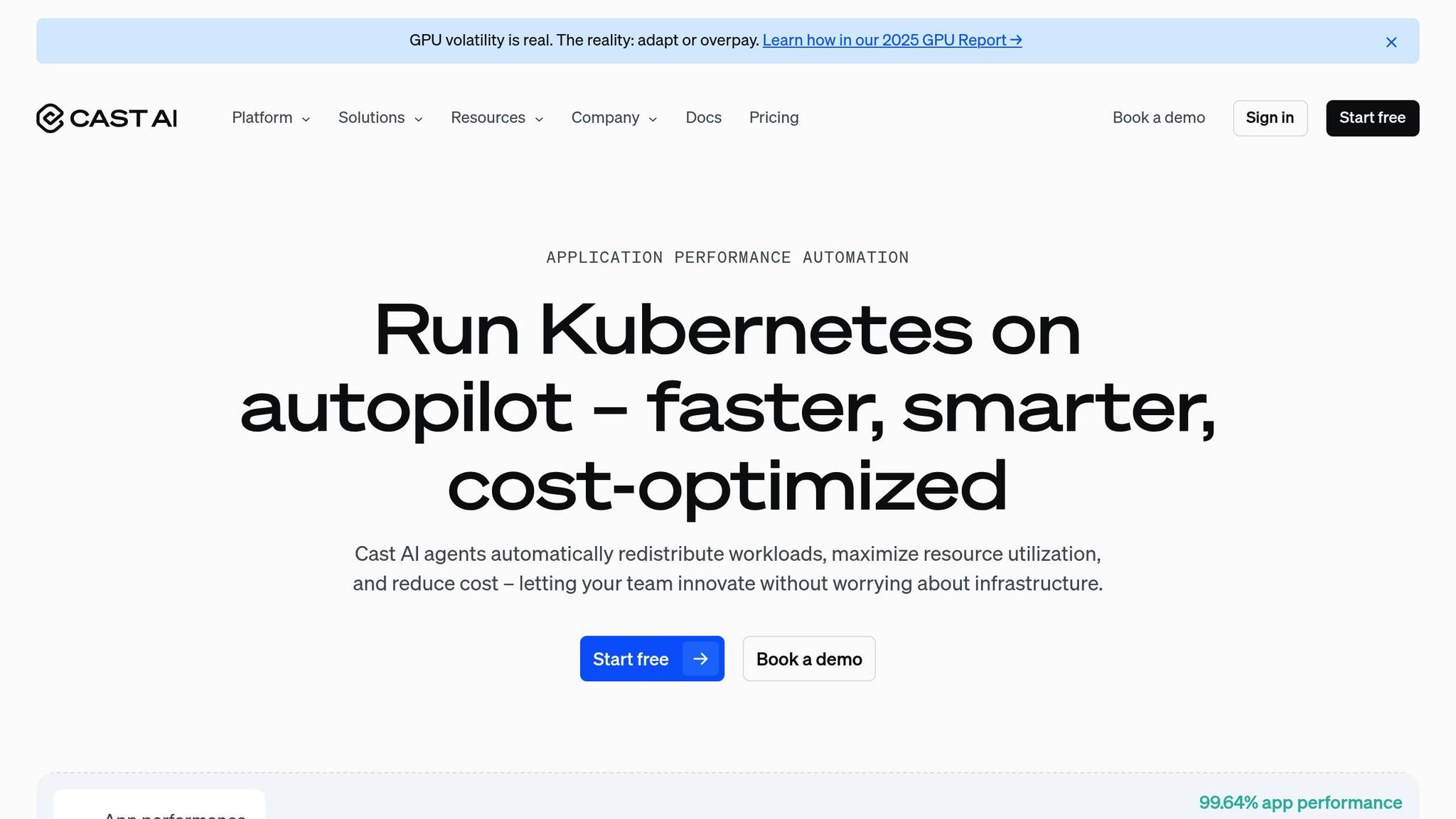
CAST AI uses machine learning to simplify and optimise cluster operations. Instead of relying on static scaling rules, it employs techniques like intelligent bin packing and pod placement scheduling. These methods analyse workload patterns and resource needs in real time, ensuring resources are provisioned efficiently. Its standout feature is zero-downtime container live migration, which shifts workloads seamlessly between nodes. This approach consolidates resources, trims unnecessary expenses, and keeps application performance intact.
Kubecost: Deep Cost Insights for Kubernetes
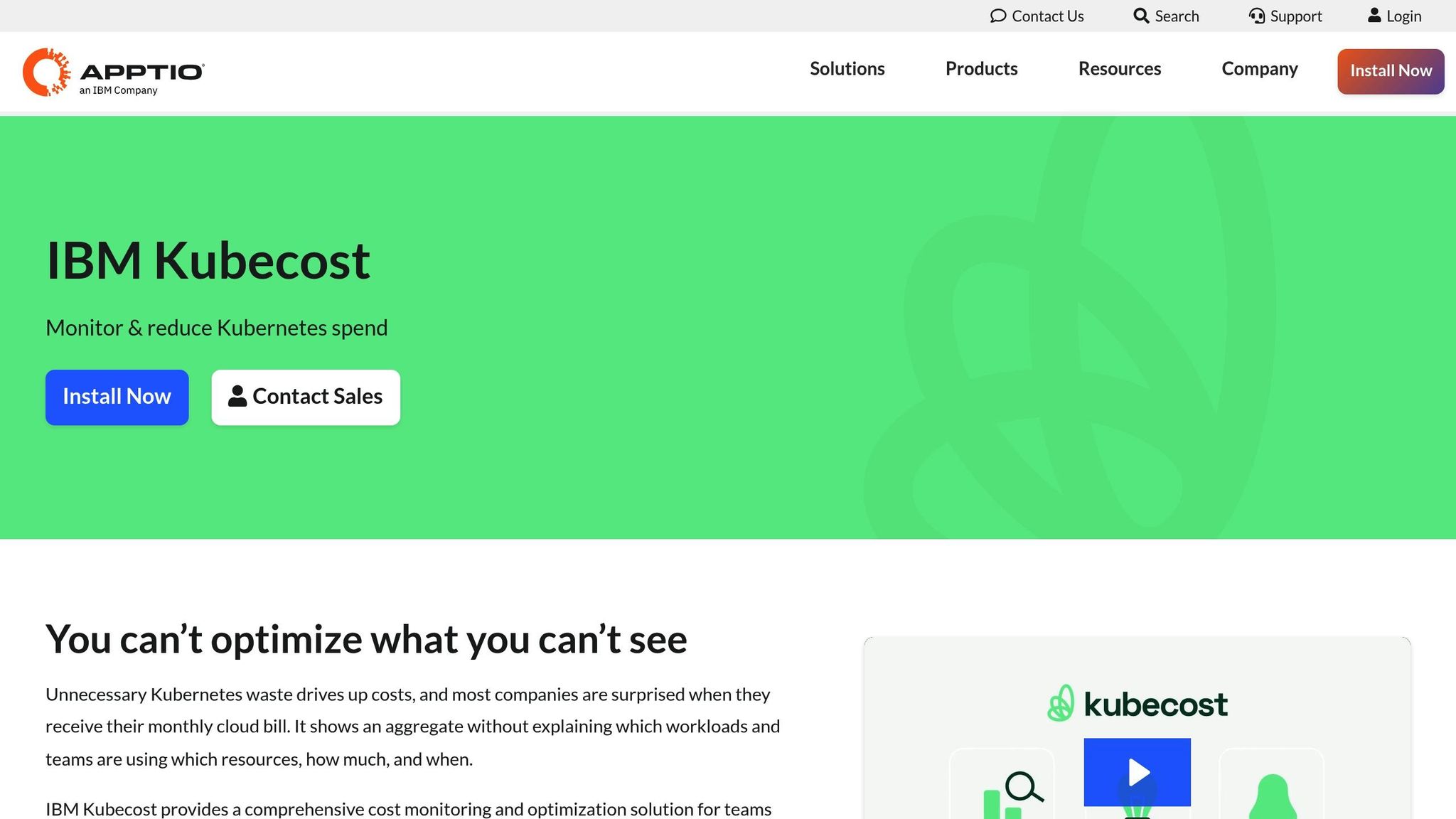
Kubecost, now part of IBM, prioritises giving users a clear view of their Kubernetes spending. It provides detailed breakdowns of costs across clusters, namespaces, and workloads, making it particularly useful for FinOps and engineering teams. This level of transparency supports precise cost allocation and chargeback models. Kubecost also integrates with major cloud providers like AWS, GCP, and Azure, as well as CI/CD pipelines, enabling multi-cloud management. However, while it excels at reporting and visibility, it requires manual intervention for resource adjustments, positioning it as more of a monitoring tool than a fully automated solution.
Zesty: Automated Scaling and Cost Optimisation
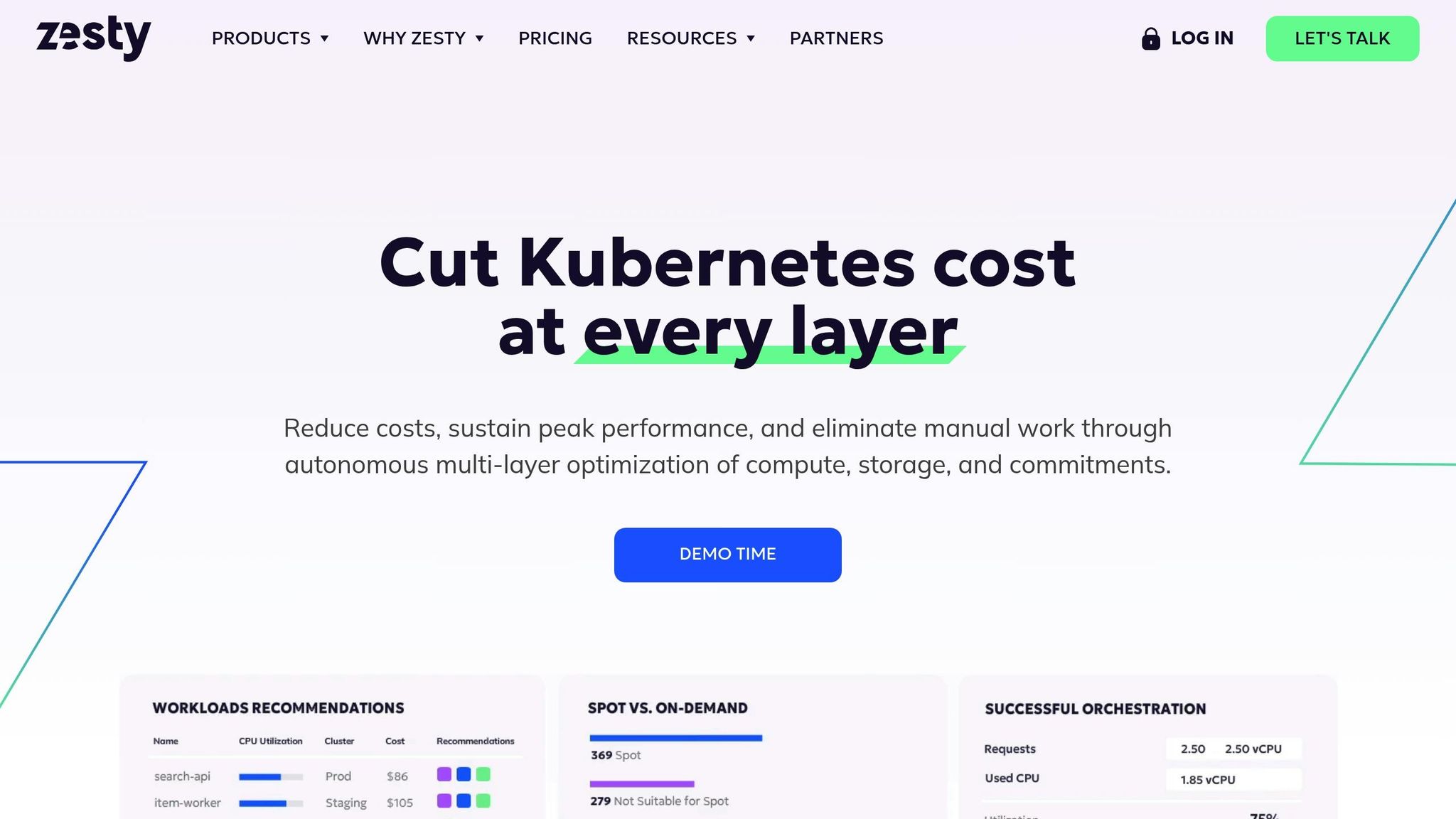
Zesty's Kompass platform is designed to automate Kubernetes cost optimisation for large-scale AWS clusters. It combines real-time cost visibility with autonomous resource management, adjusting allocations like CPU, RAM, and storage without human input. Its FastScaler™ technology handles traffic spikes efficiently by reducing idle capacity, while its Commitment Manager secures short-term commitments to lower costs. Additionally, its spot protection feature can replace terminated nodes in under 40 seconds. These capabilities make Zesty particularly effective for organisations looking to optimise costs in large AWS environments.
Each of these tools offers a distinct approach, showcasing how AI can simplify and optimise multi-cluster cost management in Kubernetes environments.
Implementing AI Tools for Kubernetes Cost Optimisation
Rolling out AI-powered cost optimisation tools for Kubernetes isn’t just about flipping a switch - it demands thoughtful preparation. Organisations that dive in without setting the stage often miss out on the full potential of these tools. Here’s a step-by-step guide tailored for UK businesses to help integrate these tools seamlessly while maintaining performance and reliability.
Preparing Your Kubernetes Infrastructure
Before you even think about deploying an AI tool, you need a solid foundation. Start by implementing comprehensive monitoring across your Kubernetes clusters. This step ensures you’re capturing the metrics needed - like resource usage, performance stats, and costs - for the AI to make informed decisions about optimising resources.
Next, get your tagging and labelling game on point. Properly tagging resources by namespace, pod, deployment, and team is crucial. Include details like department, project, environment (e.g., production, staging), and cost centre. Without consistent tagging, the AI tool won’t be able to provide meaningful cost breakdowns, leaving you in the dark.
For UK organisations, compliance is key. Document your cloud setup thoroughly, paying attention to data residency and GDPR requirements. Whether you operate in a multi-cloud or hybrid environment, ensure the AI tool won’t compromise sensitive data during processing or storage.
Another essential step is establishing baseline cost metrics. Track your spending at different levels - cluster-wide, node-level, and workload-specific. This means logging monthly compute costs, storage expenses, and network transfer charges. These metrics will act as your benchmark for evaluating improvements later.
Don’t forget about access permissions and security policies. The AI tools need the right privileges to analyse and adjust configurations, but these permissions must align with your organisation’s security protocols. In regulated industries, you might also need additional security reviews and approvals.
For a smoother deployment, consider working with experts like Hokstad Consulting. They specialise in Kubernetes architecture and cloud cost optimisation, offering services like robust monitoring solutions and automated CI/CD pipelines. Their use of Infrastructure as Code (IaC) practices can help minimise configuration errors and speed up deployments.
Finally, map out your implementation timeline. Simpler setups might take 2–4 weeks, while complex, multi-cluster environments could require 6–12 weeks. If you’re in a regulated sector, factor in extra time for compliance reviews.
Once your infrastructure is ready and baseline metrics are in place, it’s time to measure the impact.
Measuring Cost Savings and Performance
With your AI tool up and running, the focus shifts to tracking cost savings and performance improvements. Compare your actual spending against the baseline metrics you established earlier. Monthly or quarterly reviews work well for spotting trends and refining your optimisation strategies.
Key performance indicators (KPIs) to monitor include reductions in compute costs, savings from storage optimisation, and better resource utilisation. For instance, persistent volume autoscaling can slash storage costs by up to 70% while maintaining application availability. Similarly, automated node hibernation and resource optimisation can bring comparable savings on compute expenses.
Granular cost tracking across clusters, namespaces, and workloads can help you pinpoint which strategies are delivering the best results. Some applications might benefit more from rightsizing, while others might see gains through improved bin packing or using spot instances.
Performance metrics are just as important as cost savings. Keep an eye on application response times, error rates, and availability. Set clear performance baselines and thresholds to ensure optimisation efforts don’t compromise stability, especially for mission-critical workloads. Configuring the AI tool to respect these constraints is essential to safeguard performance during traffic spikes.
Beyond direct cost savings, there are indirect benefits to consider. Automated resource management can significantly reduce the manual effort required, freeing up DevOps teams to focus on strategic tasks. Track metrics like reduced time spent on manual optimisations, increased deployment frequency, and faster incident response times to fully understand the tool’s value.
For UK businesses managing costs in pounds sterling, accurate measurement aids in financial planning and budgeting. Implement cost allocation models by team, application, and namespace to encourage more responsible usage. When teams can see how their decisions impact spending, accountability improves.
Start with pilot deployments on non-critical clusters. This phased approach lets you test the tool’s effectiveness, refine configurations, and build team confidence before rolling it out to production workloads.
Finally, integrate the AI tool with existing autoscaling solutions like Cluster Autoscaler or Karpenter. This ensures real-time adjustments without disrupting your current workflows. Regularly benchmark workloads to track efficiency gains and identify opportunities for resource consolidation or decommissioning.
If you’re operating across multiple clouds, verify that your multi-cloud billing API integration works seamlessly with AWS, Azure, and GCP. This ensures you get a clear view of costs across environments, enabling the AI tool to make smarter workload placement decisions. Accurate cost conversion and consolidation across currencies are especially important for UK organisations managing multi-cloud setups.
Conclusion
Managing Kubernetes costs is a critical focus for UK organisations aiming to build scalable and cost-efficient infrastructures. Thanks to AI-powered tools, what used to be a laborious and manual process has evolved into an automated, continuous practice. These tools not only deliver measurable savings but also free up DevOps teams to concentrate on higher-level strategic initiatives.
The financial impact is clear. Platforms like CAST AI and Zesty have helped organisations significantly cut compute and storage costs, leading to substantial reductions in cloud spending while maintaining performance levels [7][1]. These savings, when calculated in pounds sterling, can make a noticeable difference to monthly infrastructure budgets.
Selecting the right tool depends on your specific needs. If pinpointing where money is being spent is your main challenge, tools like Kubecost provide detailed visibility across clusters, namespaces, and workloads. For teams seeking automated, hands-off savings, platforms such as CAST AI and Zesty leverage machine learning to continuously optimise resources. Many organisations find that combining tools - using one for cost visibility and reporting and another for automated optimisation - yields the best results [7].
For UK businesses operating in multi-cluster and multi-cloud environments, the stakes are even higher. As hybrid strategies increasingly span AWS, Azure, GCP, and on-premises infrastructure, tools with strong multi-cloud capabilities are essential. These tools enable cost tracking across providers, automate workload placement based on real-time pricing, and consolidate billing data, ensuring informed decision-making no matter where workloads are deployed.
Successful implementation often depends on careful preparation. For organisations unsure where to start, consulting with specialists can accelerate deployment while ensuring compliance with GDPR and data residency requirements.
The Kubernetes landscape continues to evolve rapidly. Emerging capabilities like agentic AI and advanced autoscaling are pushing the boundaries of what’s possible, enabling better performance and cost balance [6][4]. Staying ahead of these developments ensures that cost optimisation becomes a dynamic and integral part of your DevOps strategy.
Ultimately, cost optimisation isn’t just about trimming expenses - it’s about embedding a culture of accountability and efficiency. With accurate, real-time cost data, teams can make informed decisions that naturally reduce waste. When everyone understands how their choices affect spending, the result is a more streamlined and effective operation.
For UK organisations managing Kubernetes at scale, the question isn’t whether to adopt AI-driven tools - it’s how to combine them effectively to maximise savings and operational benefits. These technologies are mature and ready to deliver far more than just lower cloud bills. They’re a key part of a smarter, more strategic approach to infrastructure management.
FAQs
How can AI-powered tools help reduce costs in Kubernetes environments?
AI-driven tools can play a big role in cutting costs within Kubernetes environments by automating resource management and boosting efficiency. These tools examine usage trends, forecast future needs, and dynamically adjust resources to avoid both over-provisioning and under-utilisation.
With AI, businesses can streamline tasks like scaling workloads, choosing more cost-effective cloud instances, and spotting unused or redundant resources. This approach not only trims operational expenses but also creates a more efficient and sustainable infrastructure. These capabilities are especially helpful for managing multi-cluster Kubernetes setups, where both complexity and costs can rise quickly.
What challenges arise when managing Kubernetes costs in multi-cluster environments, and how can AI tools help?
Managing expenses in multi-cluster Kubernetes environments can feel like an uphill battle. The combination of increasing cloud costs, inefficient resource allocation, and the complexity of fine-tuning deployments often results in wasted time for developers and sluggish deployment cycles.
AI-driven tools offer a solution by analysing resource usage patterns, forecasting future needs, and automating cost-saving strategies. These tools simplify operations and deliver actionable insights, helping teams cut unnecessary costs while boosting overall efficiency.
How can UK organisations prepare their Kubernetes infrastructure for AI-powered cost optimisation?
To get your Kubernetes infrastructure ready for AI-driven cost optimisation, the first step is to configure your clusters for efficient resource use. This means setting resource requests and limits for your pods and pinpointing any underutilised or idle resources that could be scaled down or consolidated to avoid waste.
After that, put monitoring and analytics tools in place to keep track of your cluster's performance and what’s driving costs. AI-powered tools can sift through this data to spot patterns, recommend adjustments, and even forecast future resource requirements. Make sure these tools integrate smoothly into your current DevOps processes to avoid disruption.
Lastly, embrace a proactive approach to cost management by routinely reviewing your cloud usage and budgets. AI can play a big role here by automating scaling decisions, fine-tuning workloads, or even suggesting alternative hosting setups. By following these steps, organisations in the UK can achieve meaningful cost savings without compromising on operational performance.